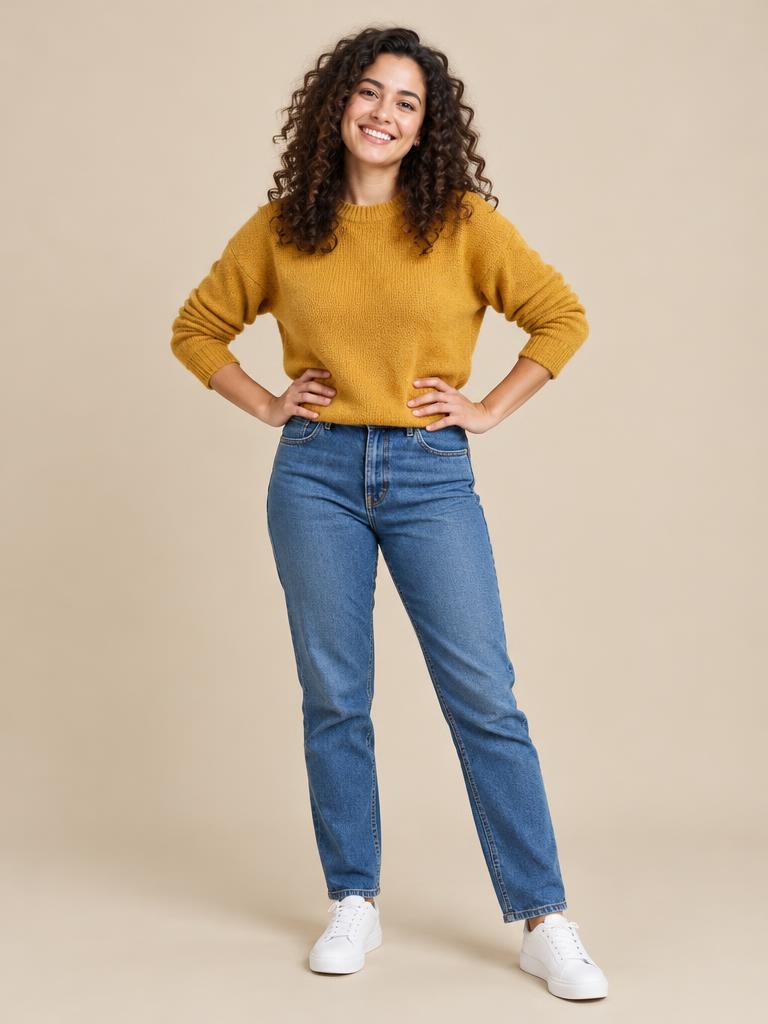
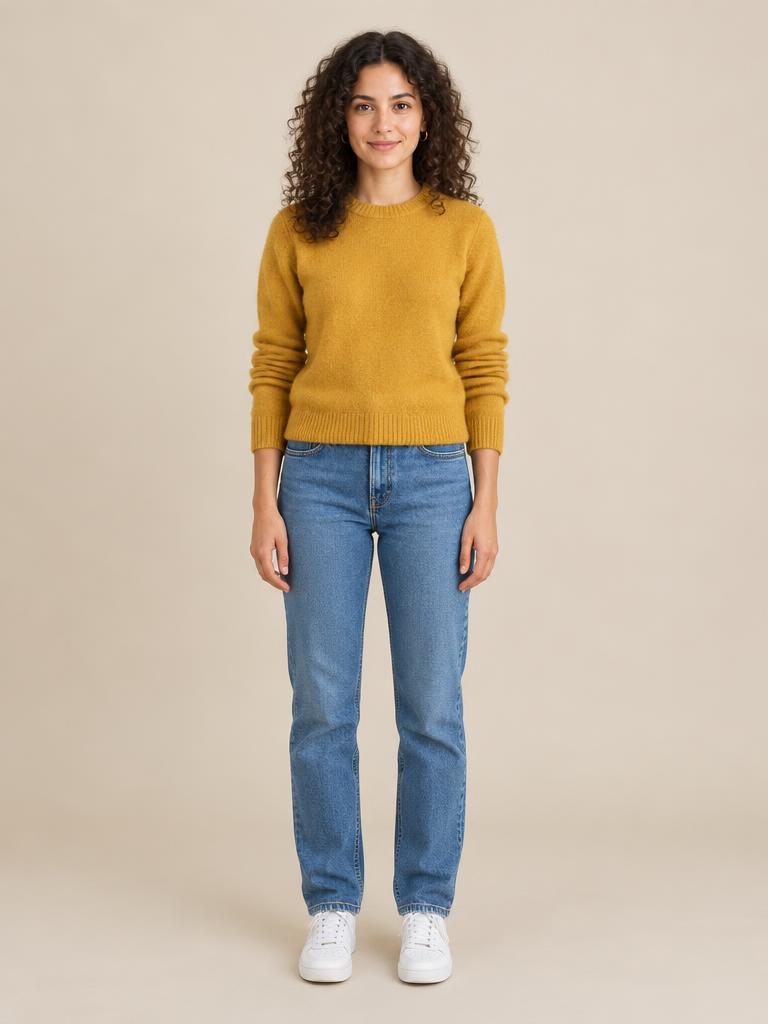
TL;DR
- Works on illustrations, mascots, 3D renders and game style characters.
- Keeps the character's design, colors and art style.
- Best with a full body image on a plain background.
How to change a character's pose
- 1
Upload the character
Use a clean full body image, like a character sheet.
- 2
Pick or describe a pose
Use presets or prompts like hero stance or sitting cross legged.
- 3
Save the new pose
Download a PNG and add it to your sheet or project.
Character pose prompts
| Pose | Prompt you can copy |
|---|---|
| Hero stance | heroic stance, feet apart, fists on the hips, chin up |
| Battle ready | fighting stance, knees bent, fists raised in front of the face |
| Casting a spell | one arm stretched forward with an open palm, other hand near the chest |
| Victory | both arms raised high in victory, big smile |
| Shy | standing with hands clasped behind the back, head tilted slightly down |
| Sitting relaxed | sitting on the ground, one knee up, arm resting on the knee |
Keeping your character consistent
- Start from the same source image every time so details do not drift.
- Describe the pose only. Do not re describe the outfit, the tool already keeps it.
- For complex designs, generate twice and keep the version with the most accurate details.
Who uses it
Indie game devs
Mock up character poses for menus and promo art.
Comic artists
Rough out panels with your cast in the right poses.
Brands with mascots
Create new mascot poses for campaigns.
VTubers and streamers
Make new poses of your avatar for thumbnails.